
Journal by text
ThreadKin is a private journaling app. Journal by text lets a person add to their own journal by sending a text message.
How you opt in
- Sign in to the ThreadKin app with your phone number.
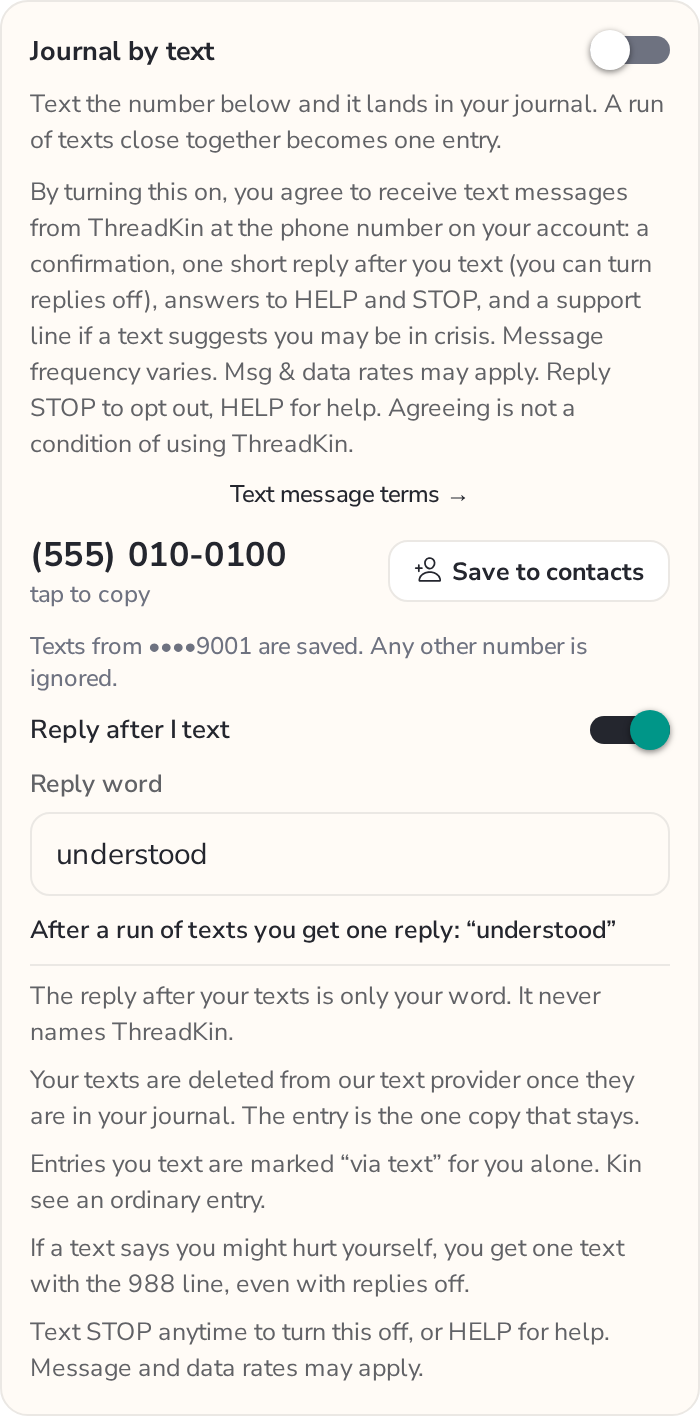
- Open Settings, then Privacy, and turn on Journal by text. It is off by default and entirely optional.
- Beside the switch, the app shows these words:
By turning this on, you agree to receive texts from ThreadKin, including confirmations, replies, HELP/STOP responses, and crisis support. Frequency varies. Msg & data rates may apply. Reply STOP to opt out. Not required to use ThreadKin.
- You then text ThreadKin's journal number yourself. Only texts from the phone number on your own account are saved; texts from any other number are ignored and never answered.
The waitlist invitation
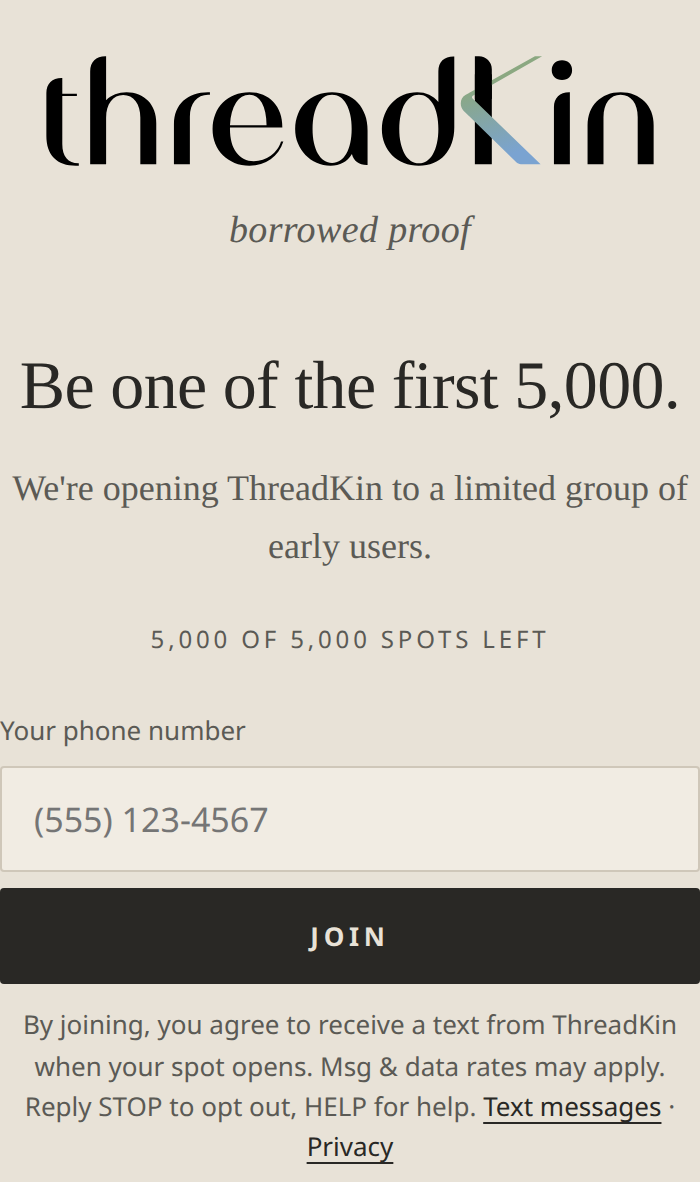
People who join the waitlist at threadkin.app enter their own phone number next to these words:
By joining, you agree to receive a text from ThreadKin when your spot opens. Msg & data rates may apply. Reply STOP to opt out, HELP for help.They receive one text when their spot opens, and nothing else.
What we send in Journal by text
- A one-time confirmation the first time you text.
- One short reply after a run of texts, in a word you choose (default: "understood"). You can turn replies off.
- Answers to HELP, STOP and START.
- If a text suggests you may be in crisis, one message with the 988 Suicide & Crisis Lifeline.
ThreadKin never texts you first, and never sends marketing or promotional messages. Message frequency varies with how often you text; typically one reply per conversation you start.
What happens to your texts
- The reply after your texts is only your word. It never names ThreadKin.
- Your texts are deleted from our messaging provider once they are in your journal. The entry is the one copy that stays.
- Entries you text are marked "via text" for you alone. Anyone you share your journal with sees an ordinary entry.
- If a text says you might hurt yourself, you get one text with the 988 Suicide & Crisis Lifeline, even with replies off.
Keywords
STOP(also STOPALL, UNSUBSCRIBE, CANCEL, END, QUIT): turns journal by text off. Reply: ThreadKin: you're unsubscribed and texts to this number won't be saved. Turn Journal by text back on in the app anytime.HELP(also INFO): ThreadKin Journal by text: texts from your number save to your private journal when it's on in the app. Msg & data rates may apply. Help: cjmscorpio@hotmail.com. Reply STOP to opt out.START: ThreadKin: you're opted back in. Turn on Journal by text in the app to save your texts. Reply HELP for help, STOP to opt out.
Costs
Message and data rates may apply. Carriers are not liable for delayed or undelivered messages.
Privacy
Mobile numbers and text-message consent are not shared with, or sold to, third parties or affiliates for marketing or promotional purposes. The texts you send are saved only to your own private journal, and are deleted from our messaging provider once saved. Full policy: Privacy.
Support
Text HELP to the number. Questions: write to cjmscorpio@hotmail.com.